If you’re looking to build .gov backlinks, I’ve got some good, bad, and mixed news for you.
In my nearly two decades as a professional SEO link-builder, I’ve seen SEOs waste countless thousands of dollars and try the shadiest black hat tactics you can imagine just trying to get .gov links.
Yes, .gov links are very valuable for SEO due to their authority and trust. But no, there’s nothing really special about them at all besides that. And they aren’t going to magically fix your crappy DR 14 affiliate site. I’ve seen SEOs spend thousands of dollars on government link packages from Fiverr and get penalized immediately. I really don’t get why SEOs do this to themselves.
If you can get them, you 100% should. But why would you waste all that time and money when you could easily get DR 70-80+ RELEVANT links much more easily?
Think about it: you could spend weeks trying to beg the government to link to you or spend $5,000 to sponsor a federal initiative and maybeeee get 1 link.
OR…
You could get a single DR80+ link for $200 that’s better for your SEO and gets better results.
If you’re still interested in getting .gov links, I don’t blame you. They’re great for SEO. In this guide, we’ll share our top tips for obtaining high authority links from city, state, and national government entities. Plus, I’ll share some answers to the most common questions on the topic.
How to Find .Gov Backlinks: Answers to Your Most Important Questions
Before we get into my tips, let’s get the most important stuff out of the way. I get a lot of questions, whether in my private masterminds or in Facebook groups, about government backlinks. And there’s a ton of misinformation out there that I want to clear up.
Let’s start with the elephant in the room: buying .gov backlinks.
Can You Buy Gov Backlinks?
The short answer is yes, you CAN buy .gov backlinks, but probably not the way you think.
There’s not some shady guy adding you to a pricelist spreadsheet and charging you for a link.
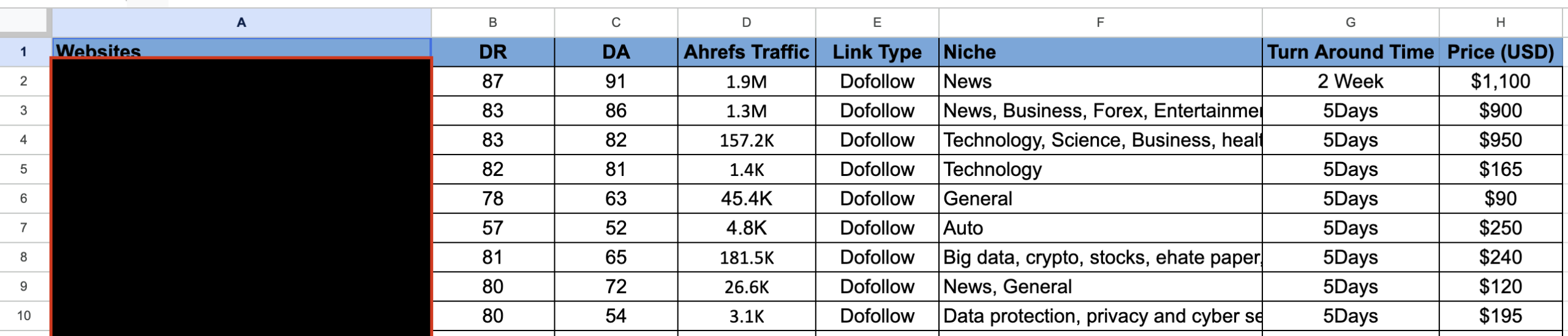
How many of these emails do you get each day?
There are white hat methods for obtaining links from relevant government websites.
The #1 way to easily pay for a link is by joining a chamber of commerce or sponsoring a government agency or event. You could even become an approved vendor for an agency or service and get listed on their vendors page if they have one. Here’s a good example of a list of vendors from the website of the State of California:

I cover this all in more detail down below.
Whatever you do, do not buy spammy .gov link packages.
Look, I’m about as black hat as it gets in the SEO world, and even I advise you not to buy .gov backlinks from shady sites like Fiverr. For one, it violates Google’s guidelines (and you know I would NEVER do that…).
But the real problem is that most “buy .gov backlinks” packages are total scams. Like this…
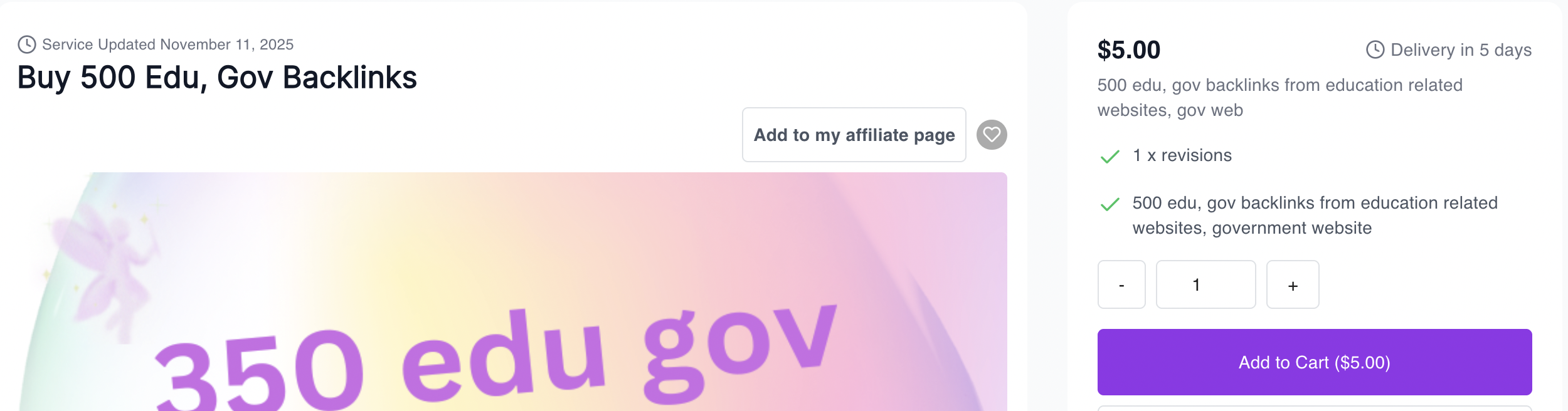
It’s incredibly difficult to build just one link from a government institution. There’s no way on Earth someone is getting you 1 link, let alone 100 links, for $5. .Gov sites are heavily regulated and under lock and key.
Getting high quality, sticky links from government websites requires legit outreach, asset building, and partnerships.
Yeah, I know it sucks. But you’re actually going to have to do some work.
Let’s get to how to do real outreach to get .gov links.
Further Reading: If you’re still interested in buying backlinks, check out my guide on the best sites for buying backlinks in 2026.
What Are .Gov Backlinks?
.gov backlinks are (you guessed it) links from government websites ending in .gov. If any city, state, national government entity, or government-adjacent department like USDA Data Central links to you, you get a .gov link.
This is an example:
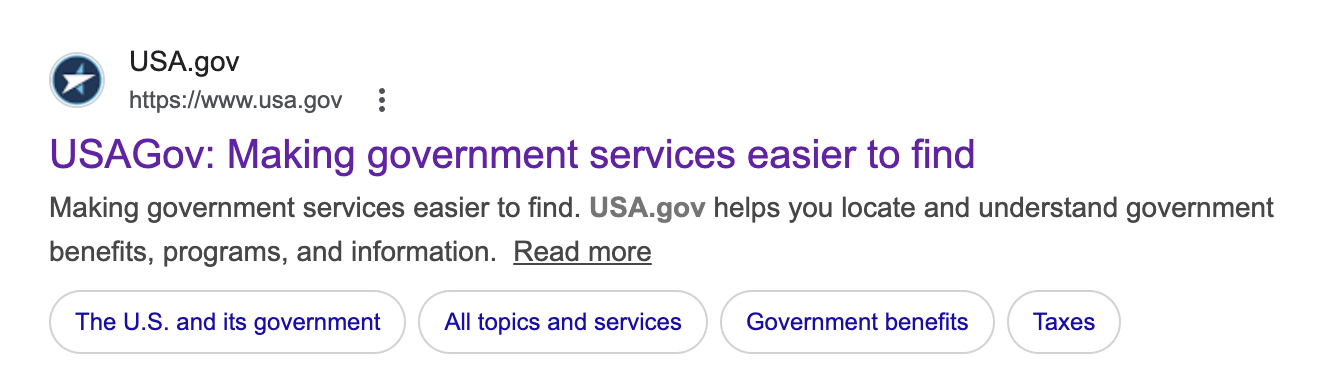
Links from government agencies have an almost unicorn-like status among the SEOs I talk to.
They hold a mythical aura in SEO because the .gov extension is restricted to verified government entities, and they rarely link out (it’s sometimes even against regulations).
This means these sites carry major trust and authority that regular domains don’t have.
There are three main types of .gov links:
- National: Federal government agencies like the SBA, NASA, and the Department of Commerce
- State/Provincial: State government departments, universities, and regulatory bodies
- City/Municipal: Local government sites, public libraries, and city government resource pages
Government links are hands down some of the best types of links for SEO.
3 Reasons .Gov Backlinks Are Great for SEO
You’re probably wondering why everyone wants .gov links so badly. If you’ve been in SEO long enough, you’ve heard of “link juice.” In theory, .govs are great for SEO because they pass lots of link juice to your site.
Let me break it down a bit more for you:
- Higher Domain Trust: The .gov extension is restricted to verified government entities, so when one of these sites links to you, it’s like getting a seal of approval from the most credible source on the internet. Search engines love that.
- They’re ridiculously hard to get: It’s really hard to buy them other than via partnerships or sponsoring events, which are all heavily regulated and vetted. And for most sponsorships, you need to be someone in the industry or even in the local area. It’s ludicrously difficult. The scarcity alone makes them valuable. If it were easy, everyone would have one.
- They last forever: Pages on federal websites (or local ones) don’t get taken down or redesigned every six months like regular websites. Once you land a .gov link, there’s a good chance it’ll pass authority to your site for years.
If you’re new to SEO, read up on why backlinks are important for SEO here.
.Gov vs. .Edu Links: Which Ones Are Better?
Neither is better. It genuinely depends on your niche, your budget, and what you’re trying to accomplish with your link profile.
If you’re in finance, legal, or healthcare, .gov links carry more weight because they signal government-level trust in your content. For education, career tools, or student-facing resources? .edu links will do more for you (and they’re usually cheaper to earn).
A personal finance blog chasing .gov links is wasting time and money when a library of free budgeting templates could land them 20+ .edu links from university financial aid pages. I’ve seen SaaS clients land 15+ high quality .edu links from a single free tool. Why agonize over getting a .gov when you can just get links with equal DR much more easily for cheaper?
Tips on How to Find .Gov Link Opportunities
I want to share a few of my best tips for finding government link opportunities. If you’ve got the time and drive, you can find some incredible opportunities. It won’t be easy, but nothing good ever is.
Here are my top tips:
- Google Search Operators: Use queries like site:.gov “your niche” to find pages already linking to third-party content. Claude can also help brainstorm agencies you’d never think to target.
- SEO Tools: Run your competitors through Ahrefs or SEMrush and see which .gov sites have linked to them.
- Government Directories: Federal, state, and local portals organize agencies by sector. Look for resource pages, partner listings, or public service sections.
- Existing Partnerships: Look for competitors who work for government agencies or local governments. Find businesses or orgs in your space that already work with government programs, then make a list of the programs or events that are accepting sponsors.
- FOIA & Grant Databases: Government grant and funding pages regularly link to approved organizations and partners. If your business has received any federal or state funding, that’s a direct in.
- Find relevant agencies: One last thing: try to build relevant backlinks. High domain authority links are great, but the more relevant they are to your website, the better. You can use AI to list .govs, divide them by category, and then create a spreadsheet. For more guidance, read my guide on how to choose the right sites to buy links from.
Can You Use .gov Backlink Generators?
No, you can’t use .gov link generators. Are you mad?
.Gov backlink generators are a waste of money. These tools claim to automate outreach or generate links from government sites, but .gov domains are locked down tight. No tool is bypassing their editorial process. What you actually get are spammy, low-quality links that look nothing like a real .gov backlink, and Google knows the difference. Enjoy your manual penalty.
Just follow my tips below and do things the right way, please.
10 Tips for Getting .Gov Backlinks
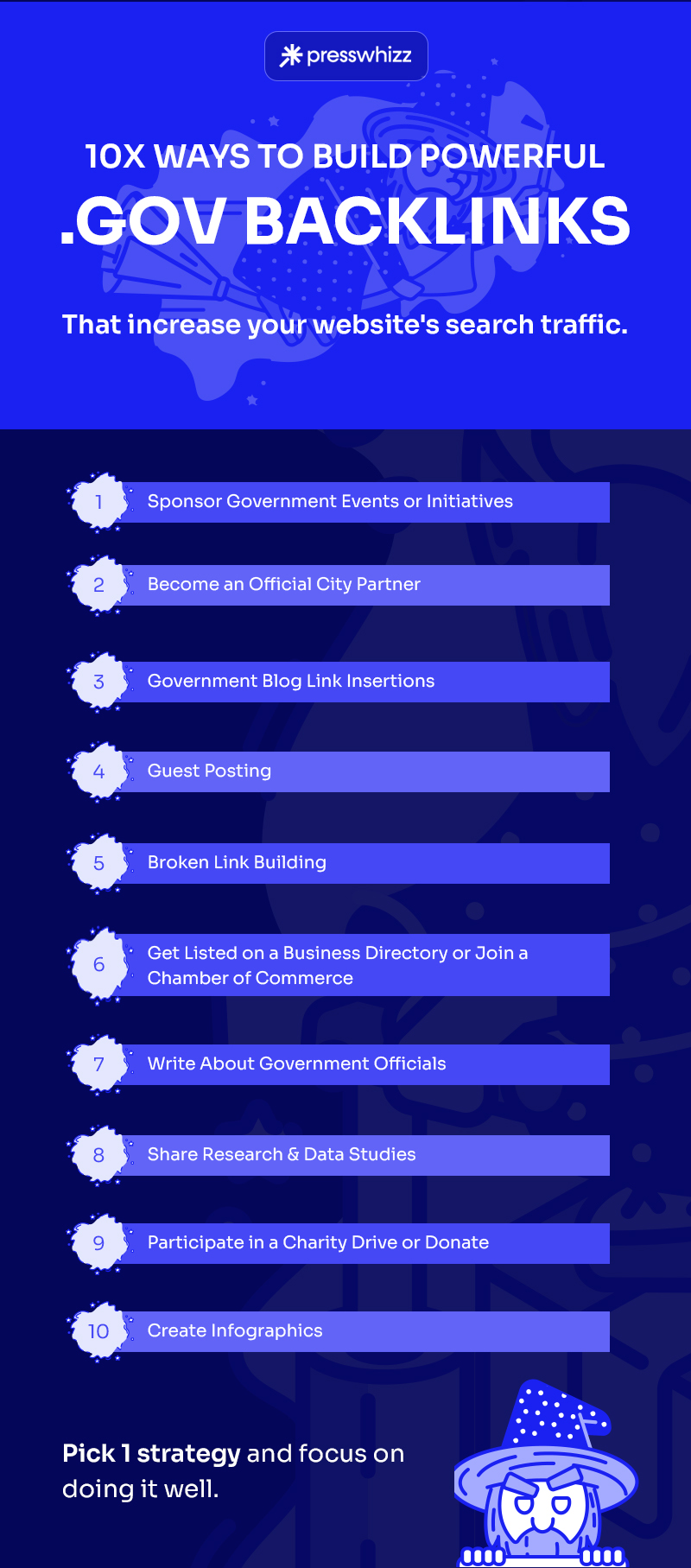
Now that you know everything there is to know about government backlinks and why they’re so valuable, it’s time to get to the tips. These tips are methods that my team or I have used over our decades in the link-building industry.
#1) Sponsor Government Events or Initiatives
This is my #1 .gov link-building method, and it’s not even close.
Sponsoring government events or initiatives is as close to a guarantee as possible in this world.
It quite literally is just handing over cash to a government entity in exchange for a link, so I guess it is “buying a .gov link.” It’s just not the super shady way on Legiit’s marketplace.
It’s fast, easy, and in many cases, not nearly as expensive as you might think.
Here’s a good example:
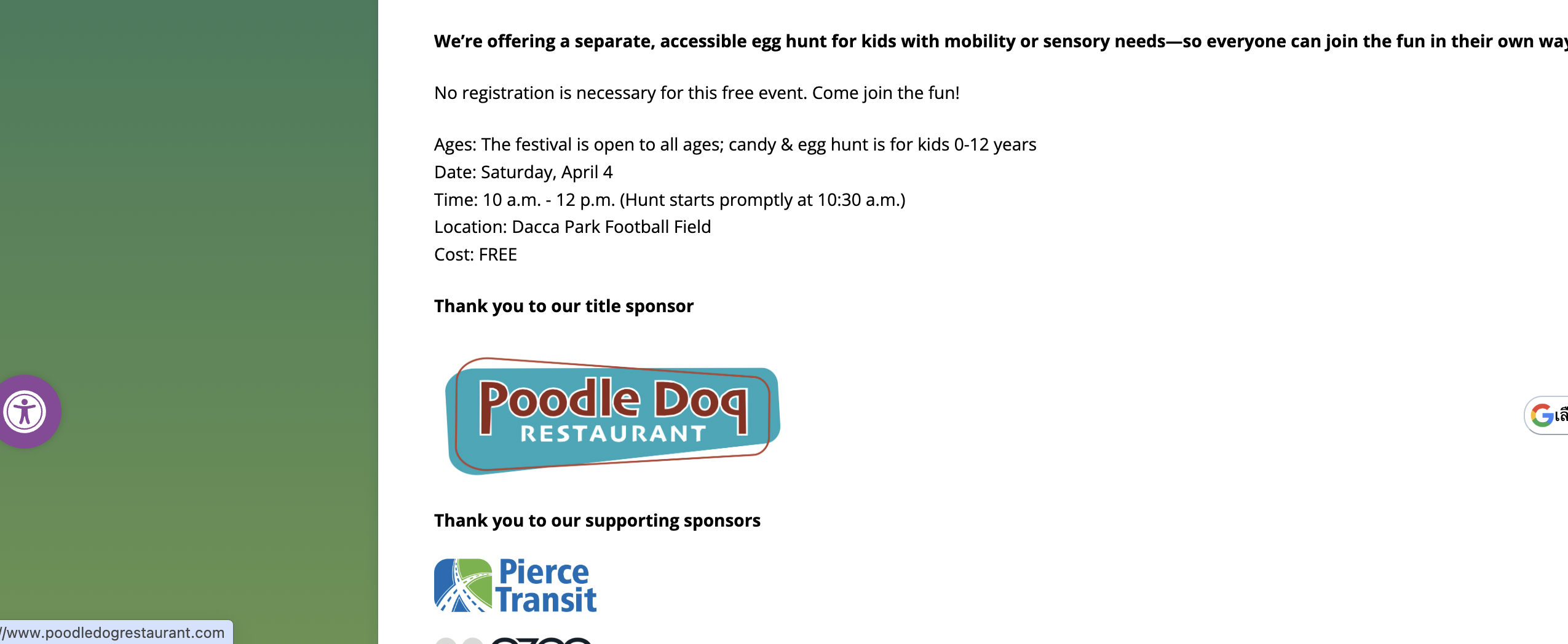
PoodleDog Restaurant paid $1,500 to sponsor the Spring Festival in Fife, Washington, and got a high-DR .gov link because of it.
You wouldn’t have to spend $1,500 either. You could get in for as little as $250.
Just Google site:.gov “become a sponsor”, and you’ll get a bunch of local government websites begging for money.
I suggest looking for institutions in your local area (city, state, or county governments) or niche-related institutions (e.g., health, law, etc.).
Here are just a few great results:
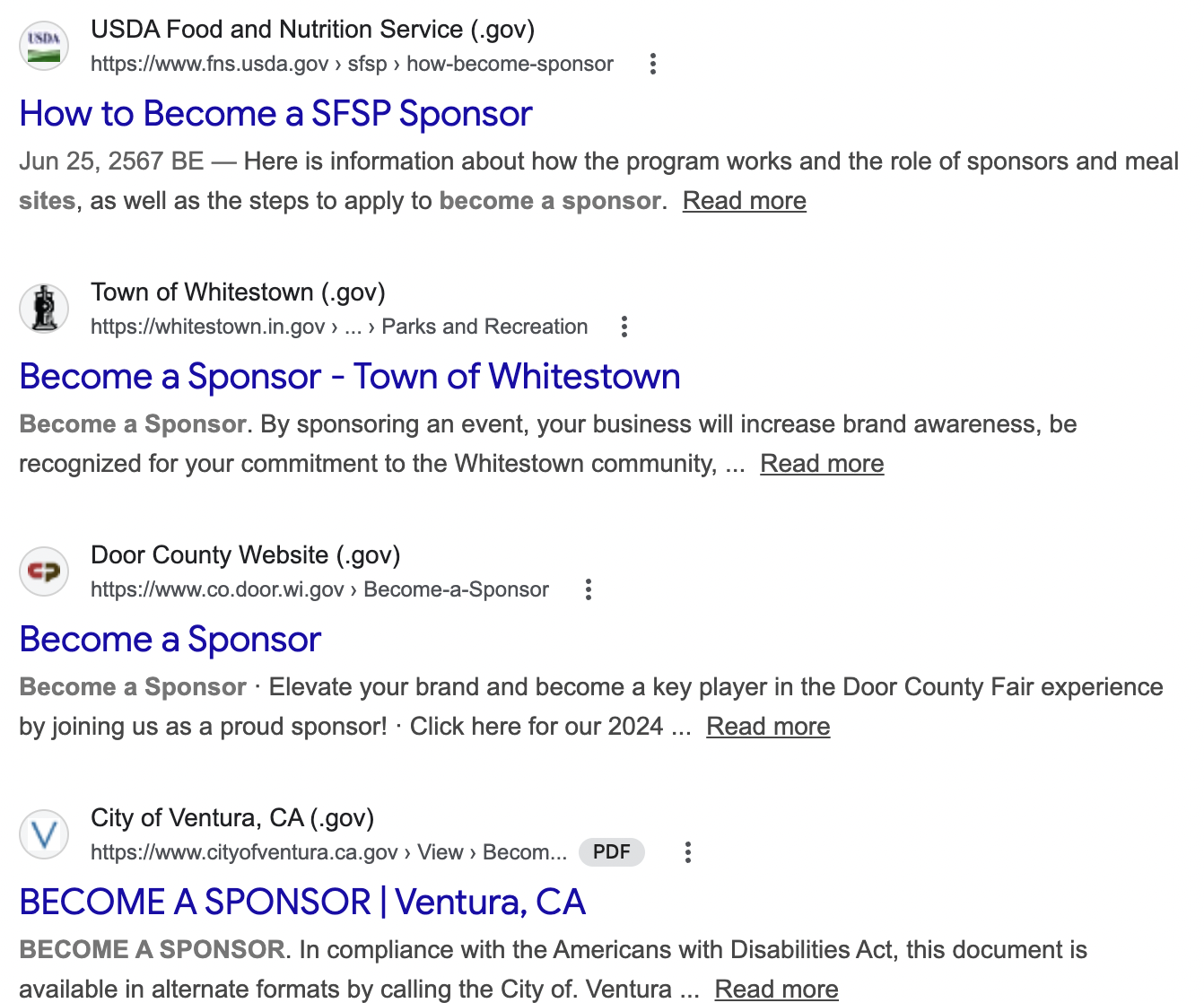
Pro Tip: Look for city or county events in smaller towns. They’re usually cheaper.
You could also sponsor government initiatives. They’re always looking for corporate sponsors to help out with programs for good causes.
Here’s one for feeding the needy:
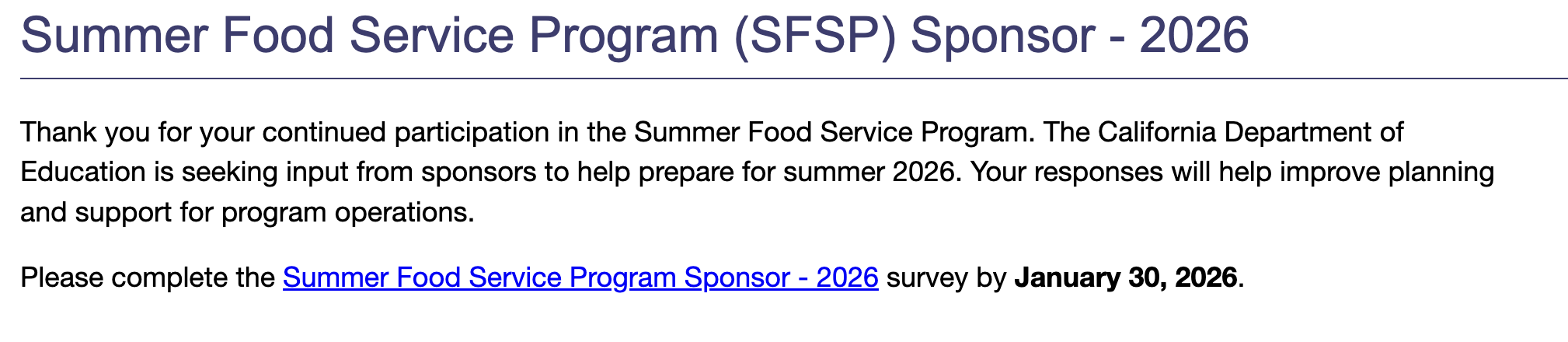
Seems like a win-win, doesn’t it? You help out with a good case and get a link. The government looks like they’re doing something. Hungry people get fed. Everyone is happy.
#2) Become an Official Partner of a City
Sponsoring a city is another high-probability way to build white hat .gov links, but this is for big brands with huge budgets. It is not cheap.
Here’s an example of the City of San Diego looking for official city partners:
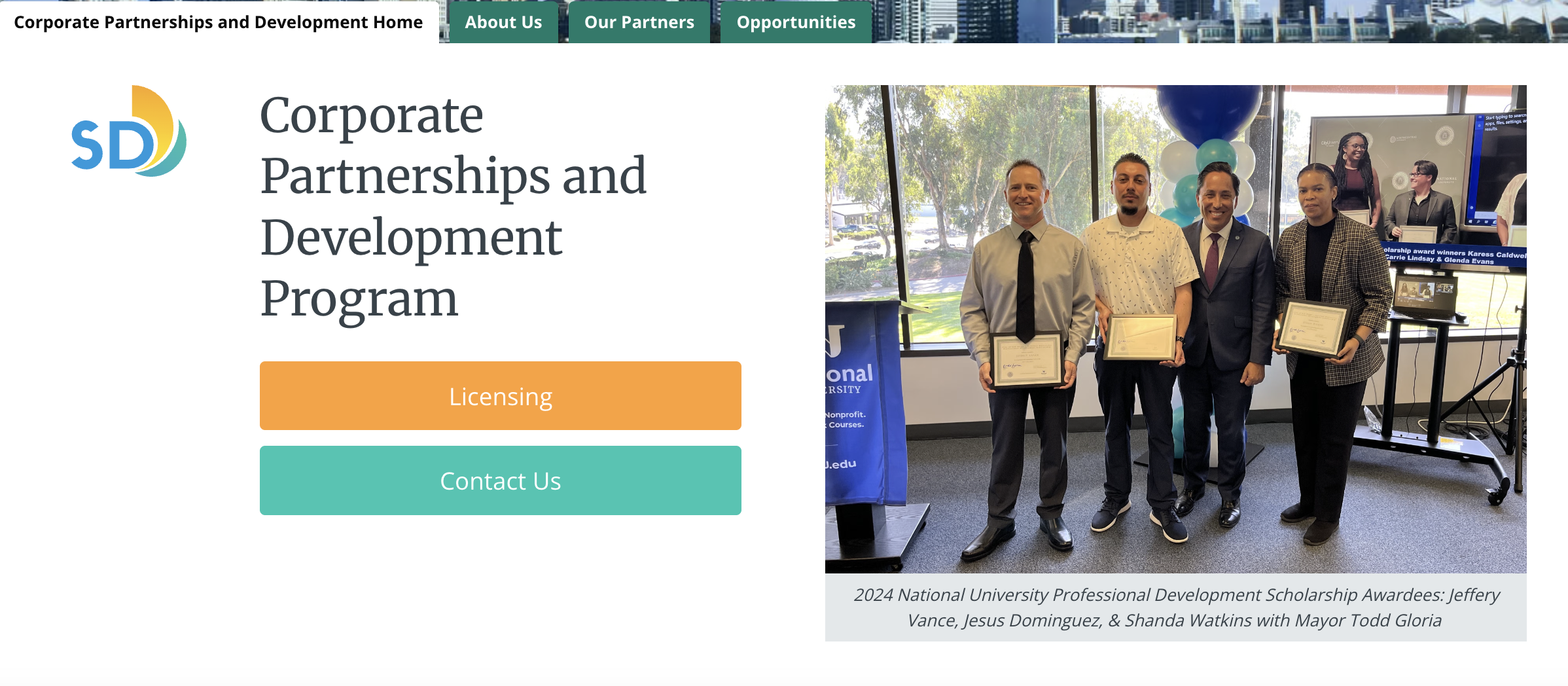
It even says right in their sponsorship agreement that you will get a link from their website. Everyone knows the search engine optimization game these days, I guess.
This is how some random golf equipment company landed a DR 82 .gov link from the City of San Diego:
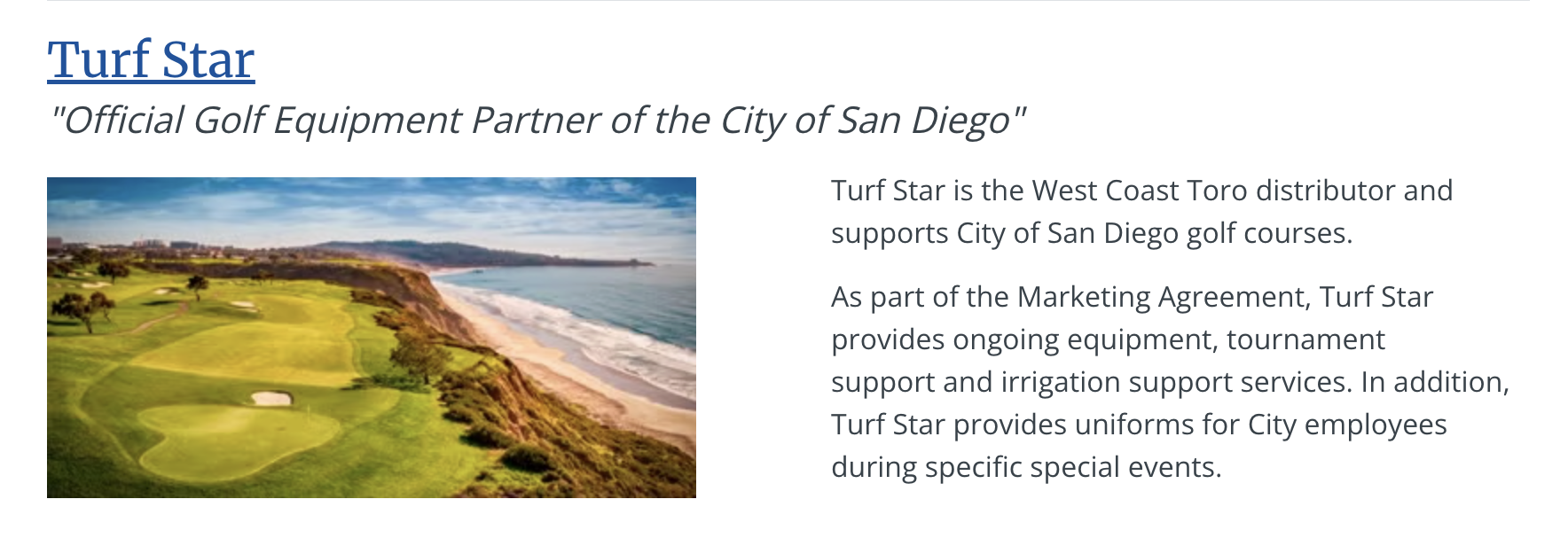
So, how do you land these DR 80+ unicorns like Turf Star? I personally would use AI. Here’s the prompt: “List all of the cities or counties you can find that are looking for sponsors and have prices listed on their websites. Give me x (number).” I’d keep the number low to start.
This is how I found Carroll County, Maryland, in about 10 seconds. They shamelessly have their prices right on their page:
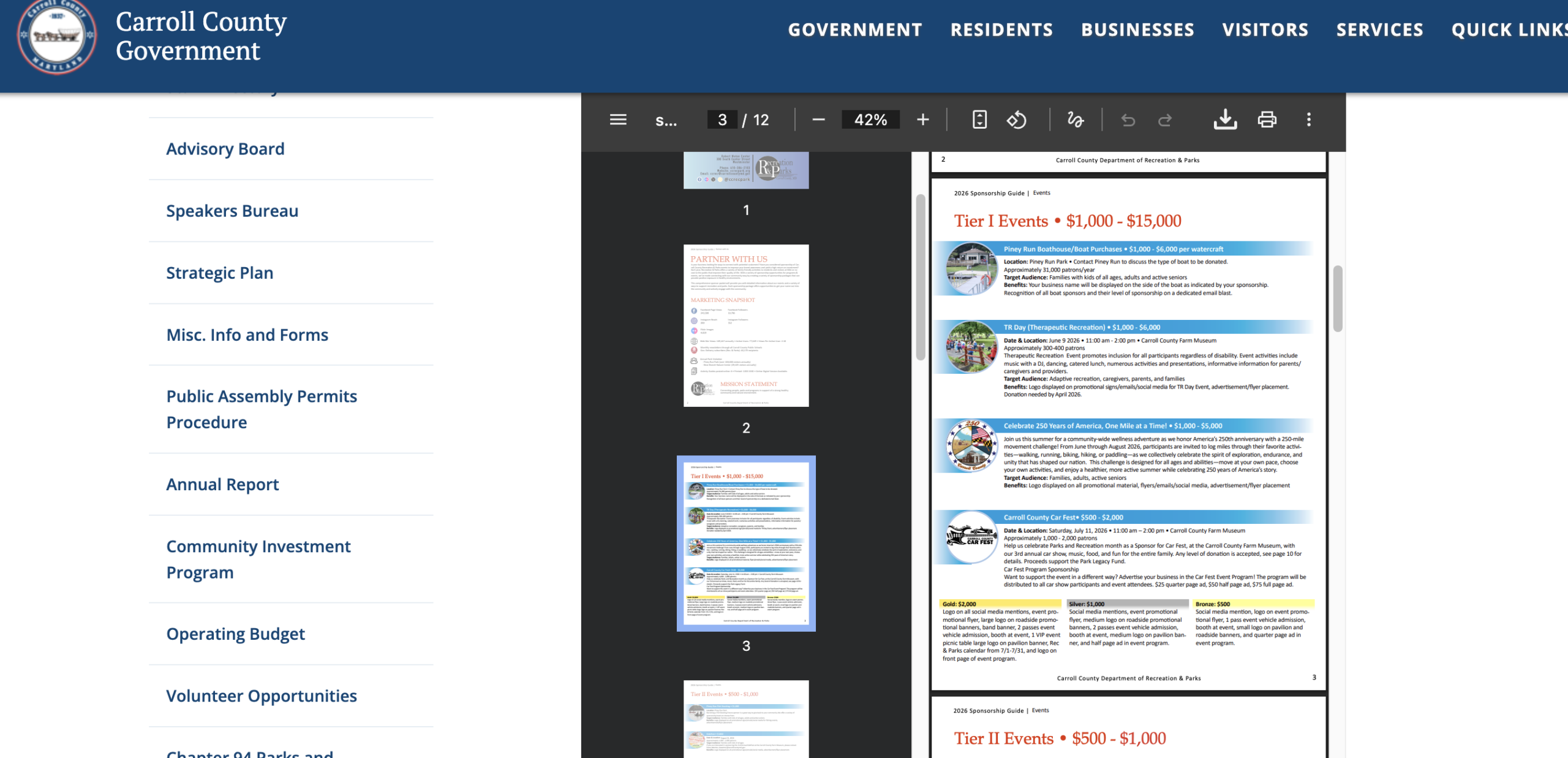
Claude will give you a whole list to go after:
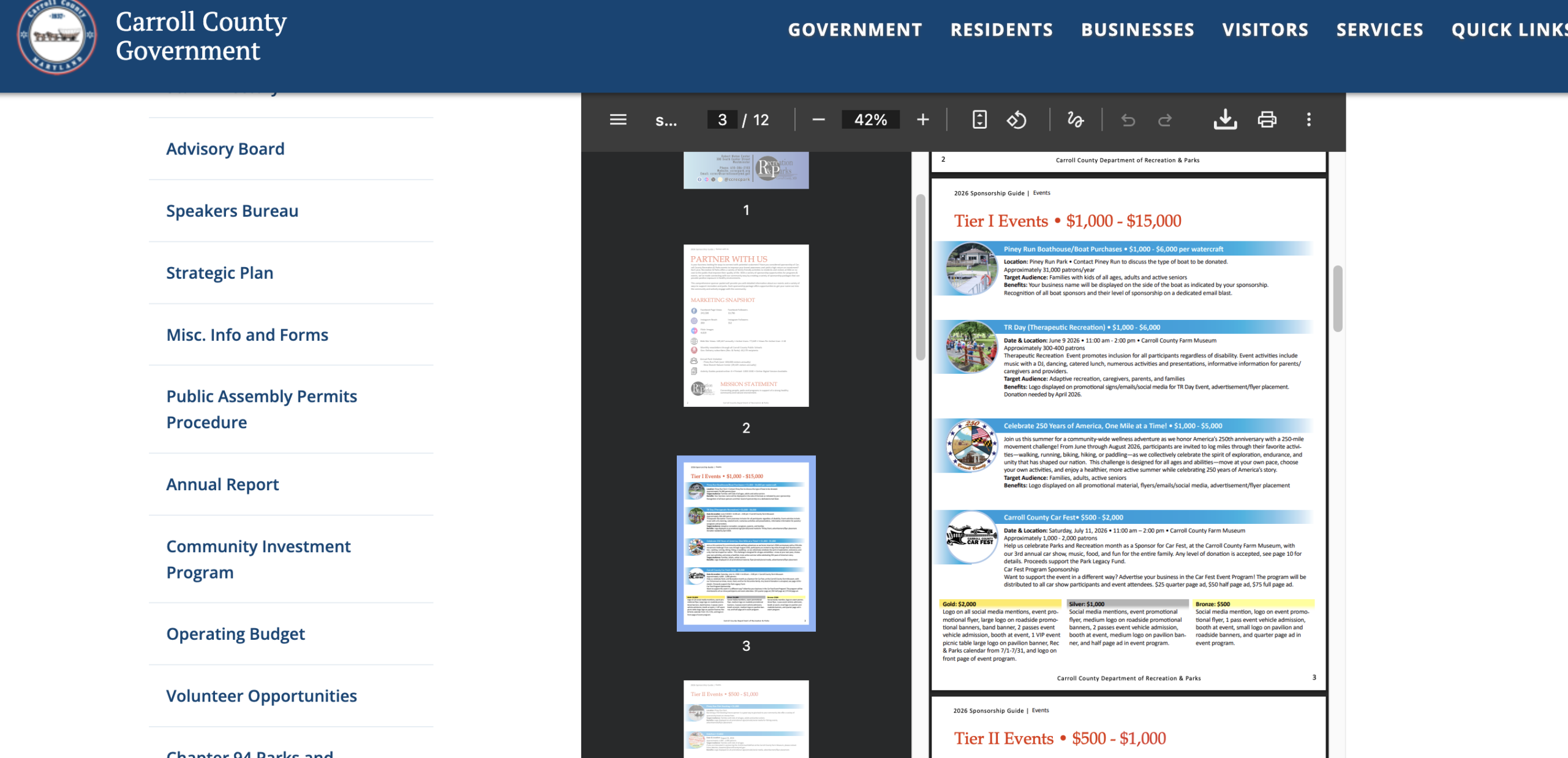
Have at it.
Pro Tip: Local sports associations are another great way to build high-authority backlinks. The City of New York’s sports association website is DR 61 and has links going to sponsors of their sporting foundation. It never hurts to reach out and try to donate/sponsor. You could land a DR 60+ link.
#3) Government Blog Link Insertions
Yes, many governments have blogs now. Everyone is creating content these days.
Link insertions on government websites are the same as on any other site…except they are WAY harder to get.
But they are out there. And if you put in the time, this is a great way to build .gov links for free.
Check this out…
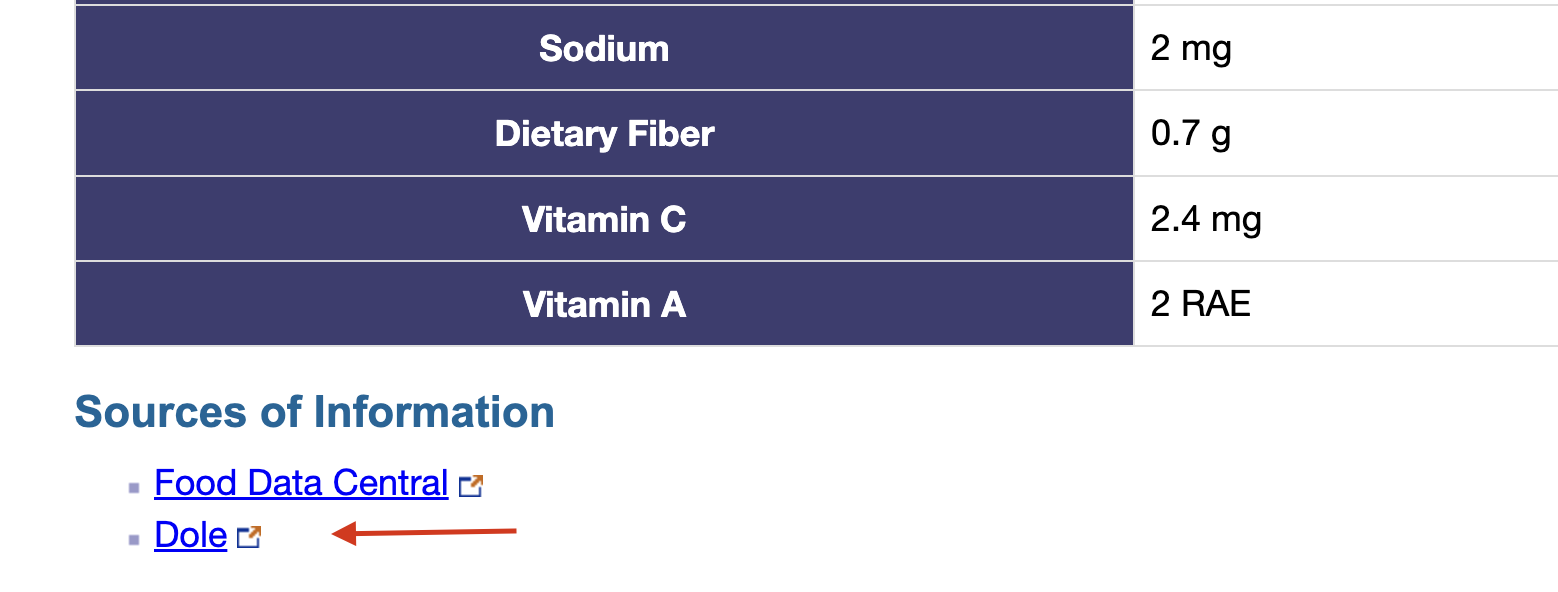
The California State website has articles on many topics with links to sources of information. Your best bet here is to produce valuable assets that government officials want to link to (more on that further down), but you could start by looking at what you already have and doing some outreach.
Start by doing a site search using site:.gov “blog” and seeing what turns up.
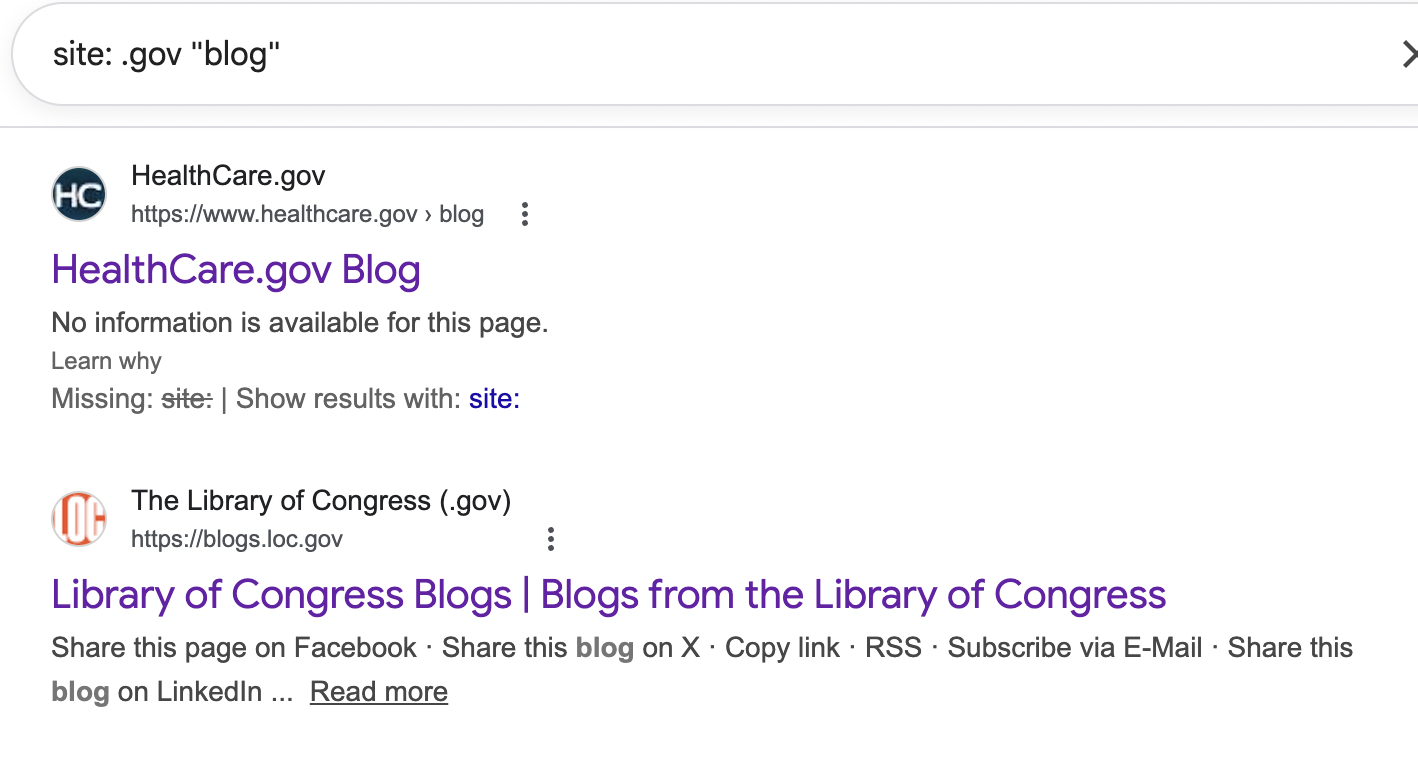
I doubt you’ll get on HealthCare.gov or the Library of Congress. If you do, pm me and show me, because that’s boss-level S***.
But if you keep scrolling, you’ll find government agencies with blogs that have much lower barriers to entry. I found this in 5 seconds:
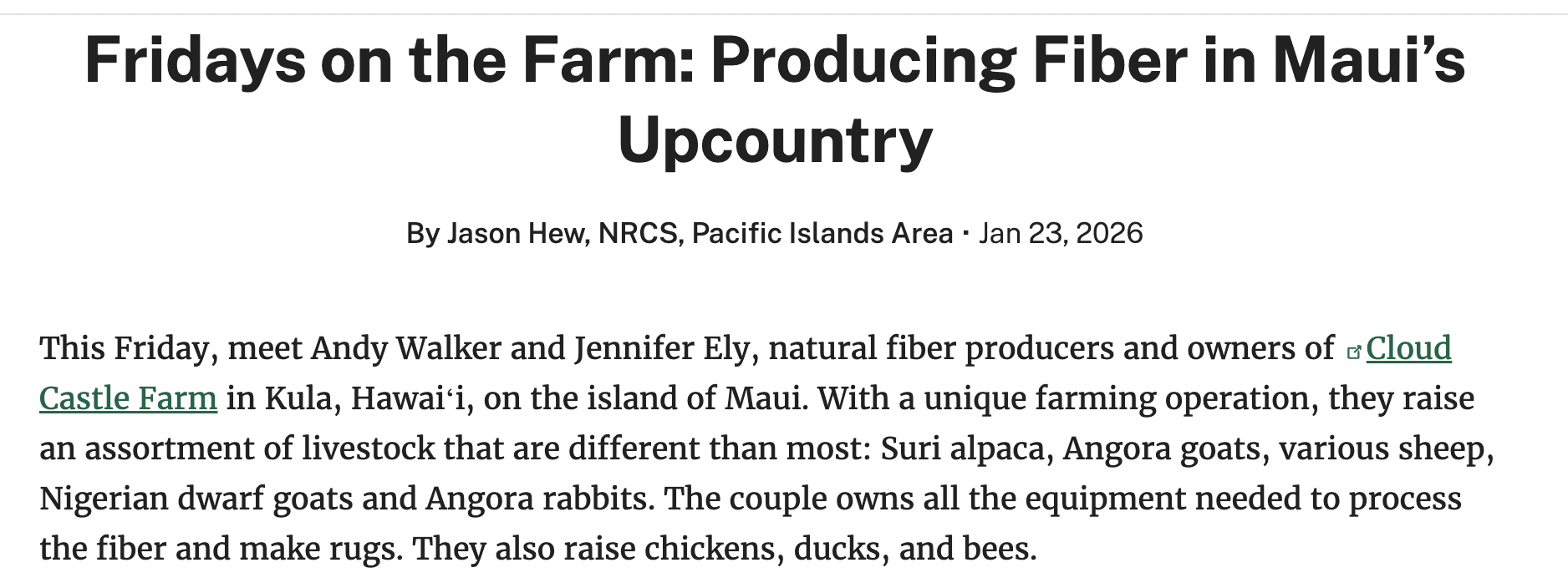
This farm in the middle of nowhere in Hawaii got on Farmers.gov’s blog. And so did this agriculture safety training site:

If you have assets or interesting information, you could get into one of these articles. You just need to find government agencies in your niche’s general vicinity and see if there are any chances to get in.
This all leads me to my next tip, reaching out to these bloggers…
#4) Guest Posting (Pitch a Story to Government Bloggers)
This is a seriously underrated and underutilized form of .gov link building that’s not hard and 100% white hat.
Government institutions love featuring stories, research, or data that align with their objectives and make them look like they’re actually doing something.
In my experience, the best way to get featured on .gov websites (or even .edu sites) is by creating feel-good stories that fit an institution’s agenda. A good example could be, “Why farming is integral to the economy.” Or, you could pitch a story on land conservation for the Bureau of Land Management. It all comes down to what your niche is.
Then, you find the blogger, like on this Farmers.gov site:
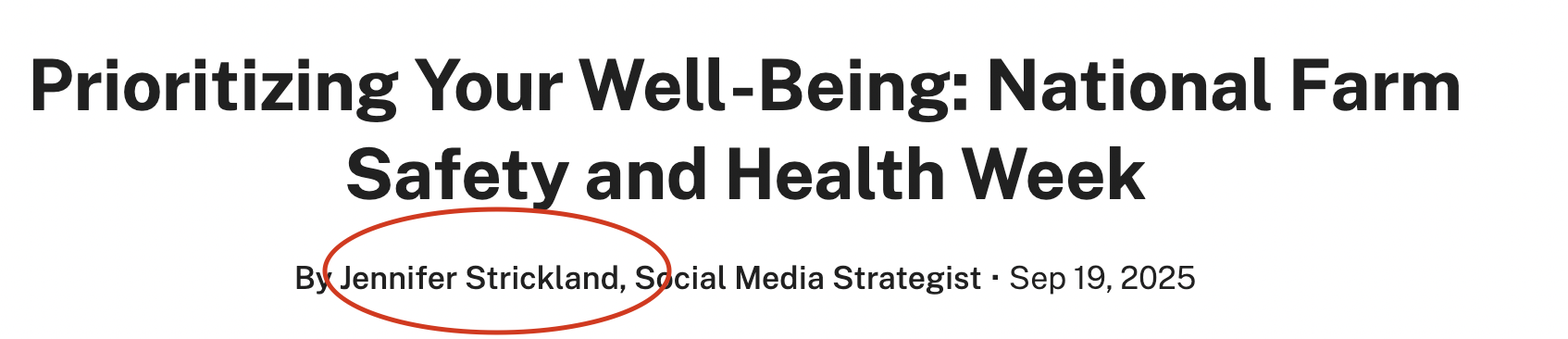
Now, reach out to them on LinkedIn or via email.
Here’s what I would do…
Go to Content Explorer and search something like site:.gov [your topic] — for example, site:.gov small business marketing. Content Explorer will show you all the .gov pages that match, and it’ll give you a list of “top authors” who’ve written about that topic on government sites.
If those authors have X profiles linked, Ahrefs will show their handles. You can then reach out to them on X or track them down via LinkedIn to pitch guest post ideas or see if they freelance for other publications.
LifeHack: Type in site:.gov “news” and see which city governments run their own blogs. Here is an example from the city of New Haven, Connecticut:
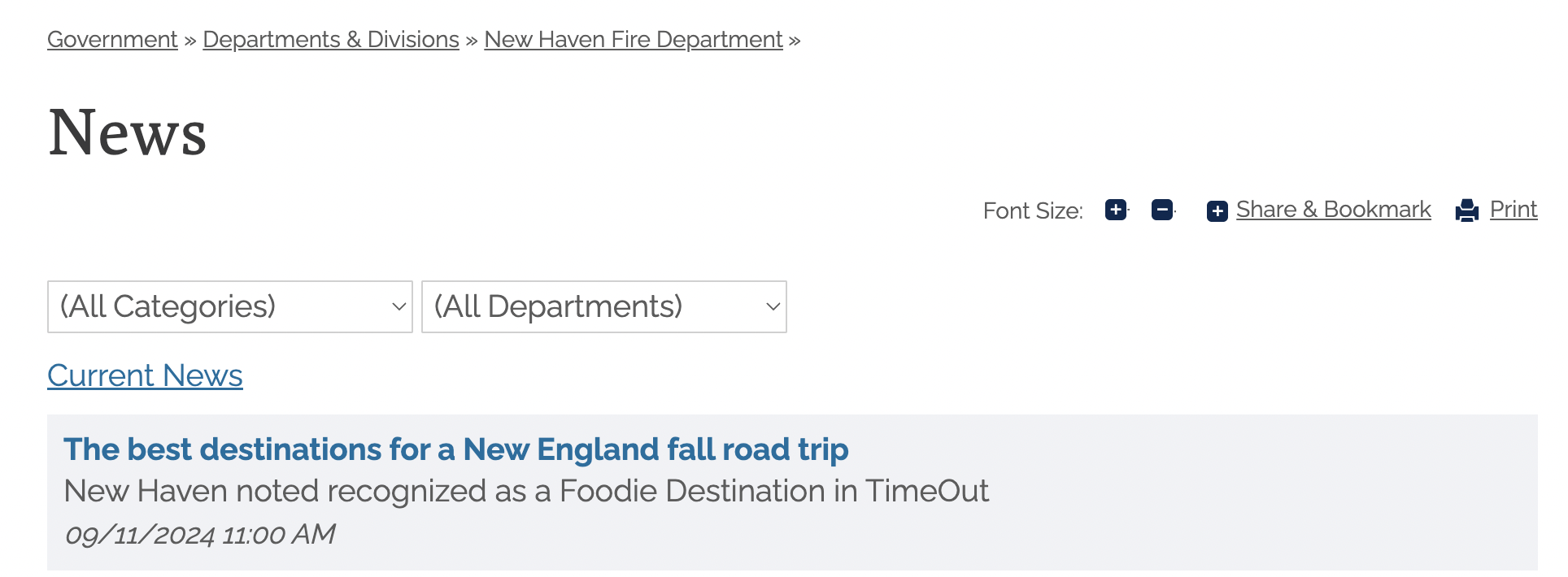
They linked to this travel blog that mentioned the city as a foodie destination:
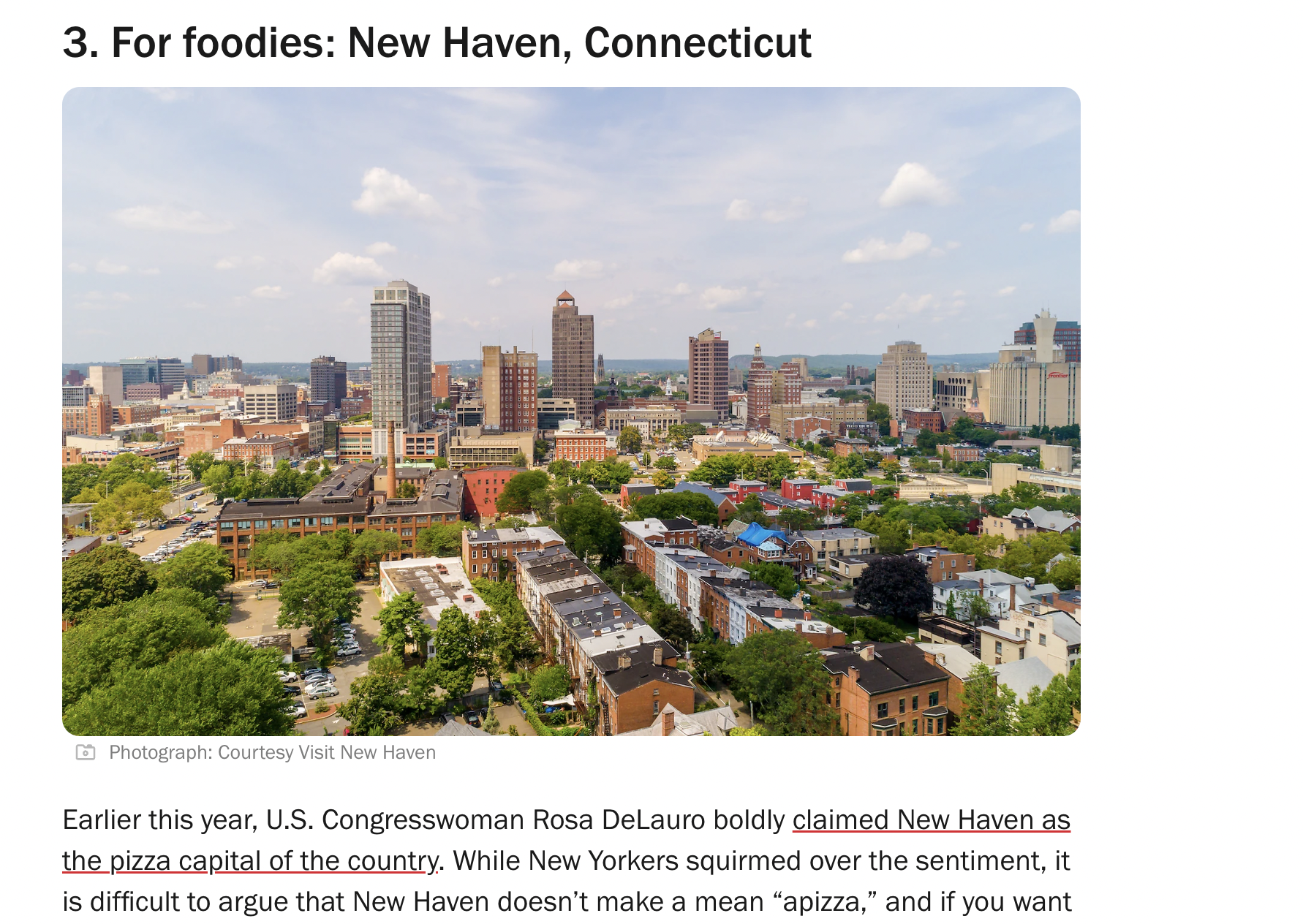
See if you can write about a city as a destination or event. They might feature you on their news page.
#5) Broken Link Building
If you’re an SEO, broken link building probably takes up half of your day. At the very least, you think about broken links between 50 and 100 times per day.
It’s also a good way to build free .gov links…just don’t expect amazing results. It’s really hard, and you often won’t get replies. It’s just the nature of the beast. It’s difficult to figure out who even controls the pages. Remember, government blogs are not maintained the way private ones are.
But it’s still worth a shot. I’ve seen it work plenty of times.
“The worst they can say is no, bro”…
Just choose a .gov site with a blog (blogs tend to have more outgoing links), plug it into Ahrefs Content Explorer, and look for outgoing links -> broken links. Download those links into a CSV file and have AI match the best opportunities to existing content on your site.
If I were you, I’d stay within my niche to make things easier. Try site:.gov “Nutrition blog” or “AI blog” or “legal blog”.
To be honest, I think you’re better off buying high-authority links from regular sites. You’ll save a ton of time and money.
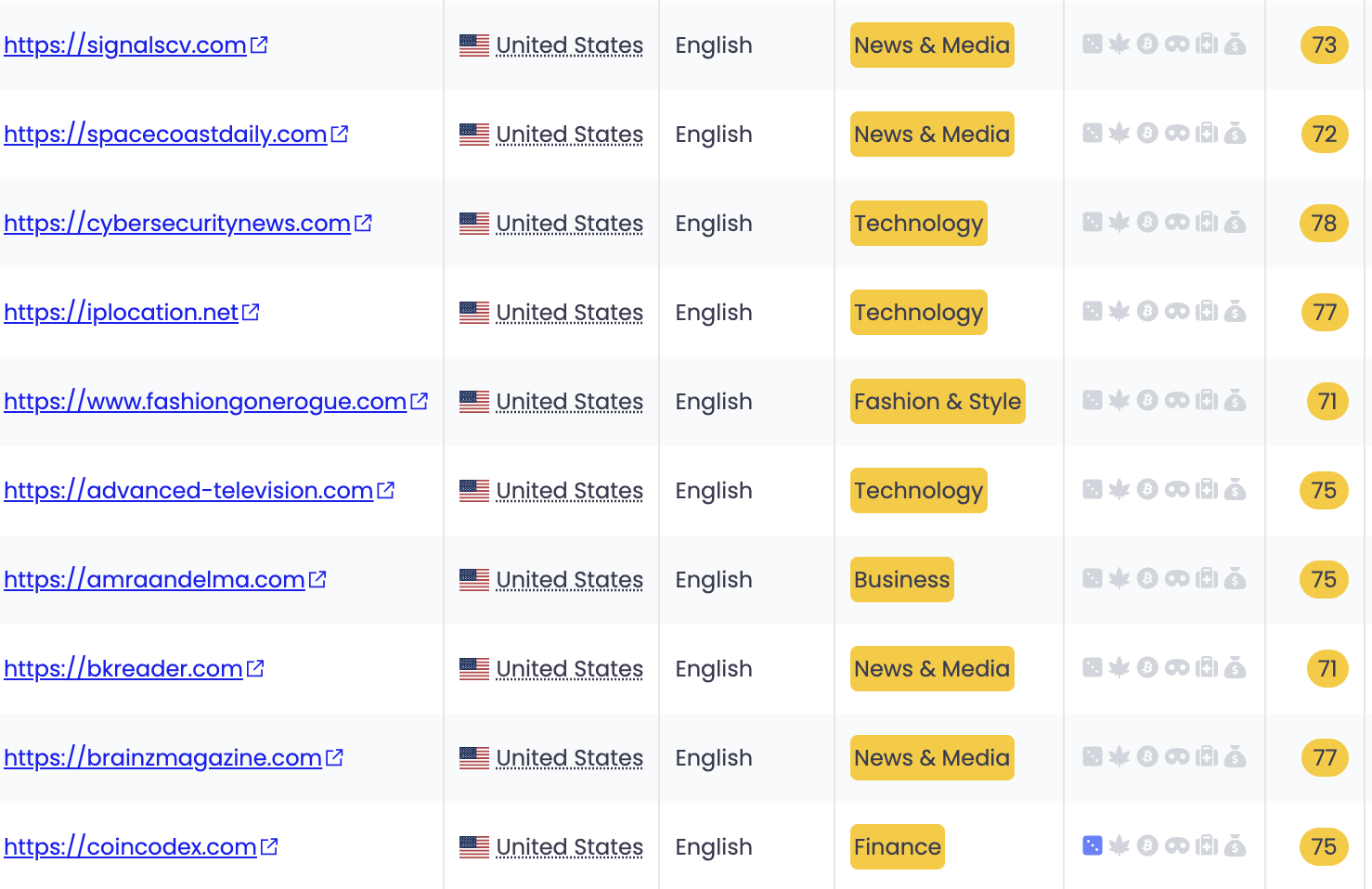
On PressWhizz, we have hundreds of sites with more authority, traffic, and relevance to your site than .govs. Like, if you’re a SaaS company, we can get you SaaS links instead of a link from the City of Fife, Washington.
You can sign up for free and browse the marketplace:
Further Reading: Check out my list of Free web 2.0 backlink sites.
#6) Get Listed on a Business Directory or Join a Chamber of Commerce
Tons of .gov websites have business directories for industries and locations that give out easy links.
But before I get to that, let me share this other hack that’s semi-government link building: Joining a chamber of commerce. They’re high DR and government-related, even if they are .com or .org domains.
It doesn’t get any easier than this.
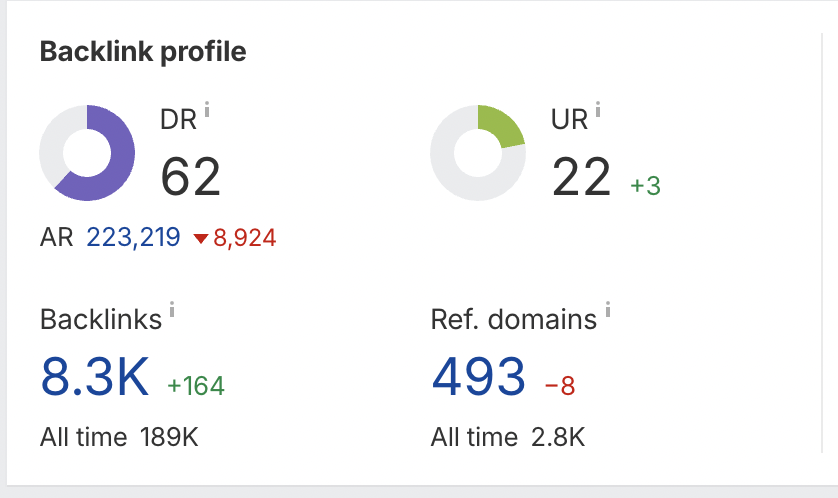
Most chamber of commerce sites are DR 50-60+ as long as they are for a large metro area. I just looked up how much it costs to join New York City’s chamber…
~$300.
So, you’re essentially buying a DR 62 link for $300.
They list all members on their directory with a link back to your site:
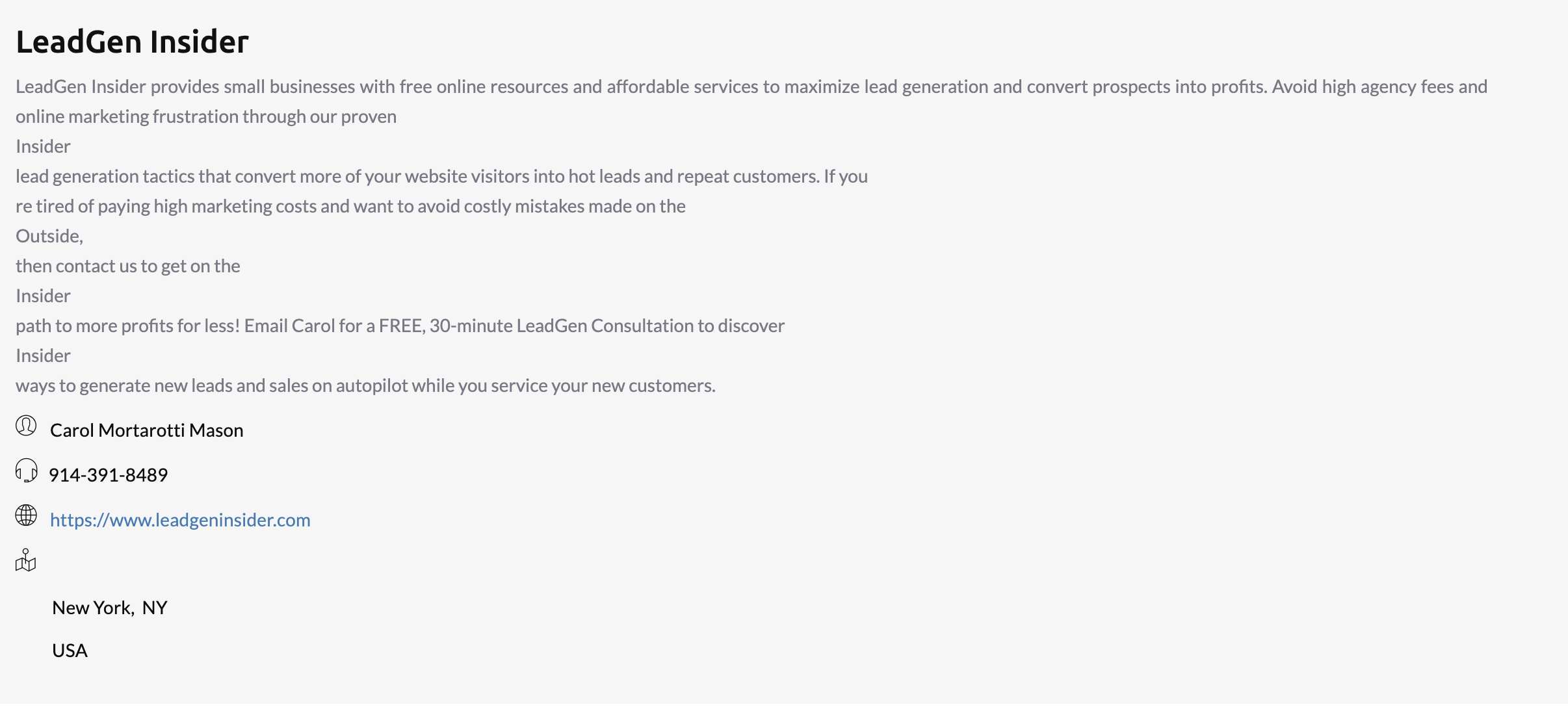
Not bad.
Business directories are a great idea, too.
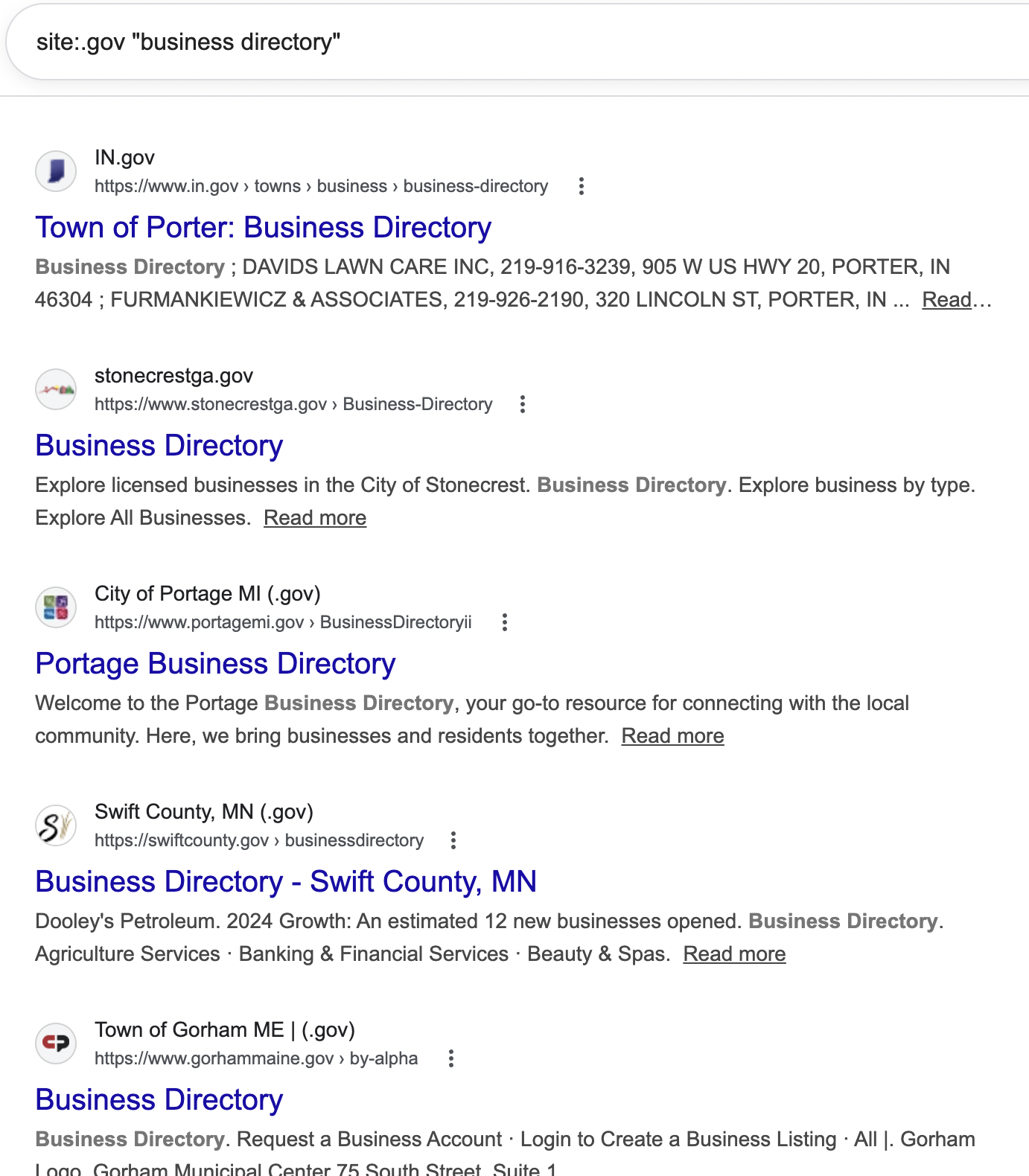
You can also apply to get listed on government business directories quite easily, in my experience. Just type in site:.gov “business directory”, and you’ll get a ton of great opportunities.
#7) Write About Government Officials
If you’re a media outlet, you could write a feature on a national or local politician and hope they link to it from their official website.
Some media outlets do this frequently. Here’s a special on John Fetterman, a Pennsylvania senator, published on KSAT.com.
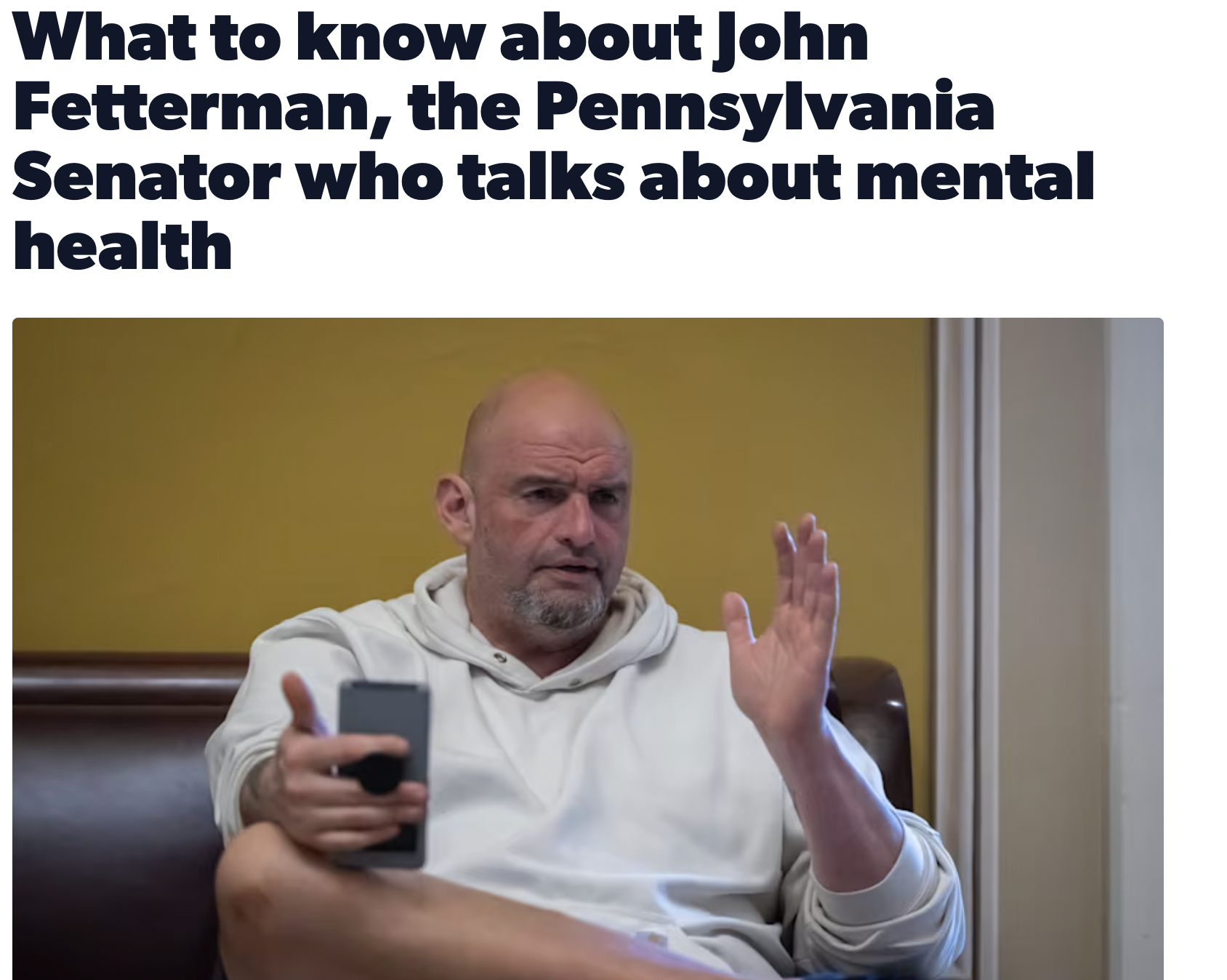
Nice hoodie, bro.
Here’s another feature about him on a local foundation’s website:
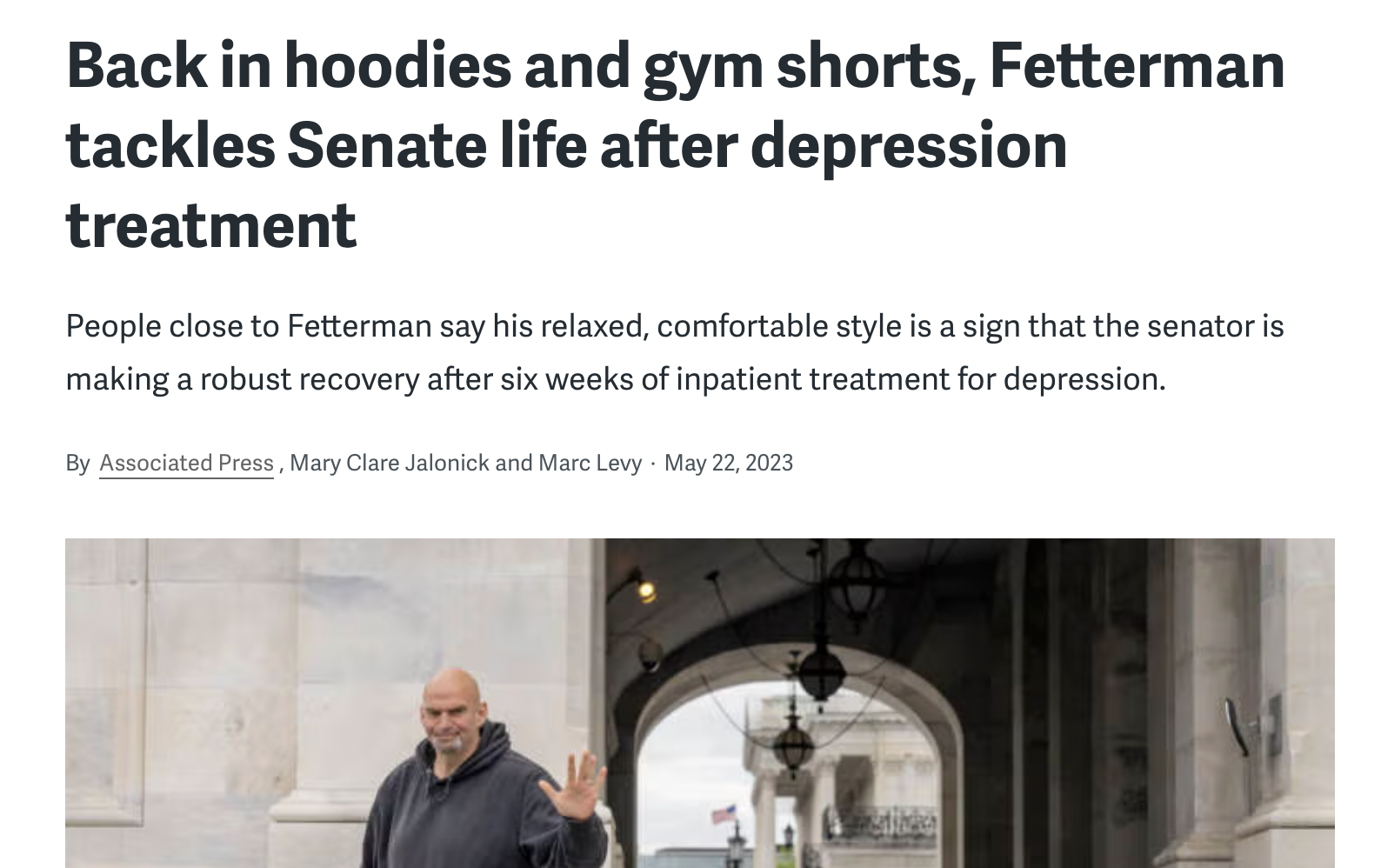
To be fair, this will probably only work if you’re a media outlet or a local business writing about a local politician. I doubt a U.S. senator is going to link to an article about himself on “DavesCarWash.com.”
But if you are a local business, you could do a feature on a local politician who is campaigning for your industry or trying to get grant money. Stuff like that.
#8) Share Research & Data Studies
This tactic works surprisingly well because government agencies are constantly publishing reports, guides, and articles that need credible data to back them up (so long as it supports their agenda, of course!).
If you can provide original research or statistics for them, there’s a chance they’ll link to you.
Government sites like the Small Business Administration link out to external sources when they publish content.
Check this out:
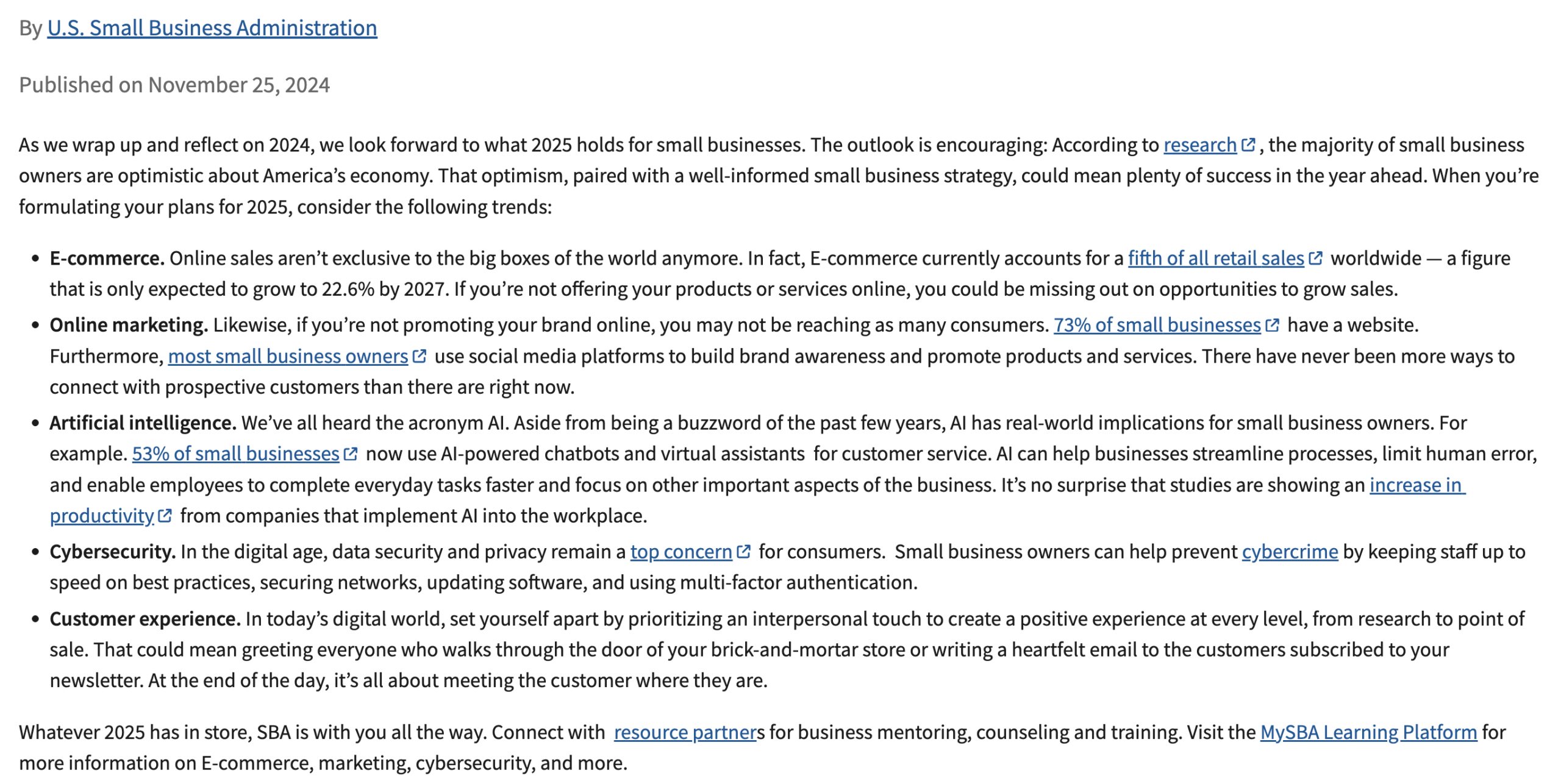
Search for .gov sites in your niche, find articles related to what you do, and pitch your stats as a resource. If you don’t have original data yet, go create it.
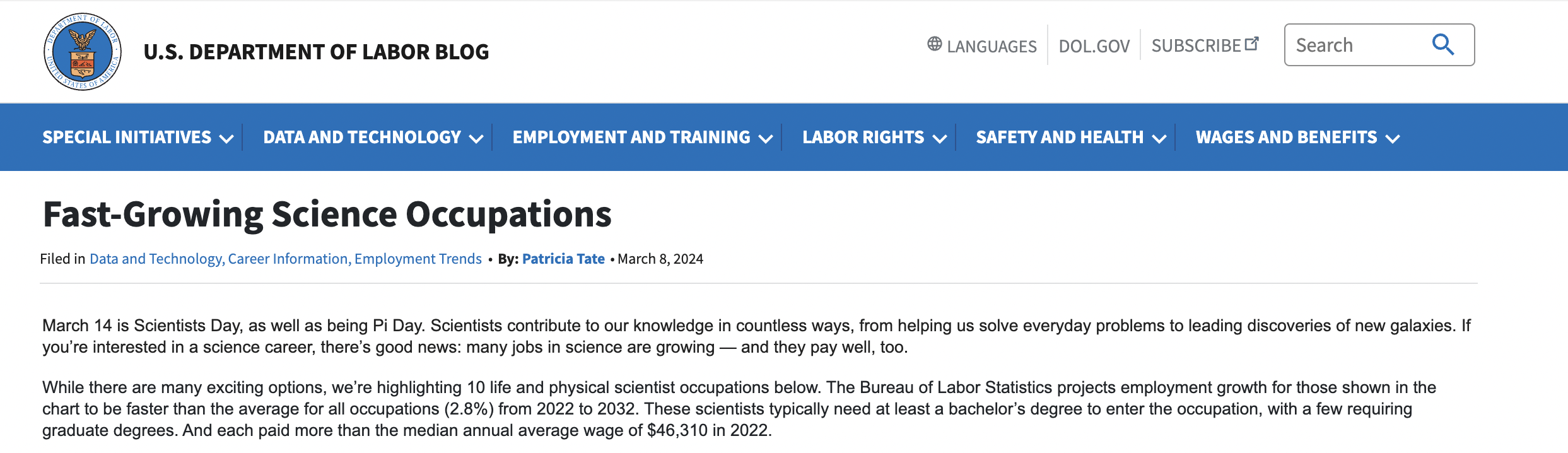
I would start with a simple site search of site:.gov “blog” and find one in your niche. Then, when on the blog, type in “stats” or “trends” and see what comes up.
I found this article on the US Department of Labor.
#9) Participate in a Charity Drive or Donate
Donating to a cause tied to a government agency is one of the more underrated .gov link-building moves out there.
Find a nonprofit or program that a federal or state agency actively supports, make a real contribution, and then reach out to the agency directly.
Let them know you donated and that you’d love to be listed as a supporter or partner on their site. A lot of agencies maintain donor or community partner pages (and they update them regularly).
It’s not guaranteed, but a $500 donation landing you a .gov backlink is a pretty solid ROI.
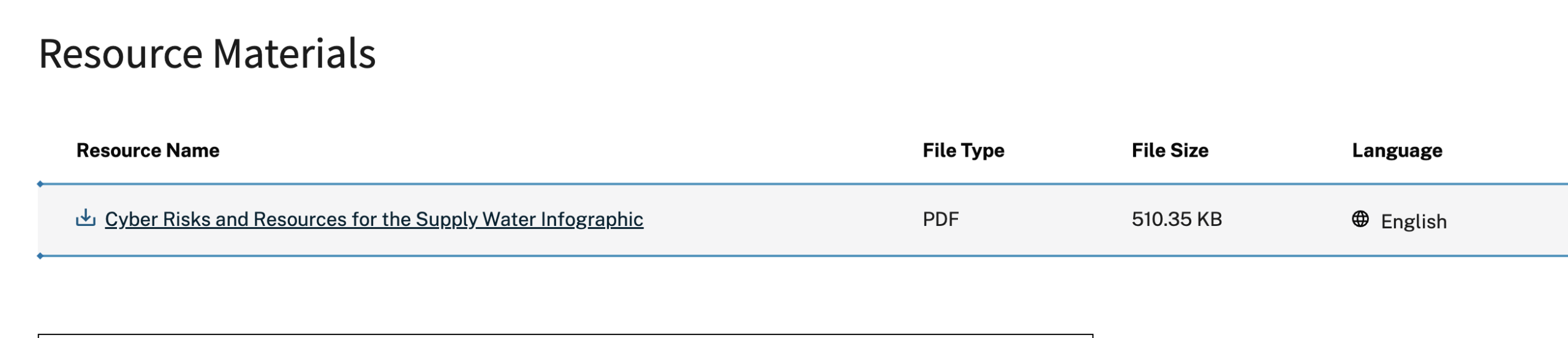
#10) Create Infographics
Infographics work because government sites are always looking for ways to present complex data in a format their visitors can actually understand.
If you can take something dense, like nutrition guidelines or safety instructions, and turn it into a clean, visual story, you’re creating something they might genuinely want to share.
The problem is .gov sites don’t just accept infographics from random companies. You’re not getting a link because you made something pretty. You need an existing relationship, a legitimate reason to reach out, and data that’s either sourced from them directly or fills a gap they haven’t covered yet.
Check for smaller government agencies that need more support rather than massive entities like the Census Bureau.
Final Thoughts
I’ll leave you with something I tell every client who asks me about .gov links: they’re not magic, and they’re not easy.
If you’ve got a serious budget and a legitimate angle (a sponsorship, a grant, or a community program), go for it. It will definitely help your search engine rankings.
But if you’re a normal SEO, you’re better off spending that same time and energy building 10 relevant, high quality links from sites that actually want to link to you.
Because at the end of the day, Google cares about relevance and authority. A .gov link from a county parks department isn’t going to move the needle the same way a cluster of strong, topically relevant links will.